Schedule a form to open on a specific date/time
You can schedule a form to open at a specific date and time. Before the scheduled time, viewers/respondents will see a page where you can provide text, countdown, and open date/time information. You can also select whether to show a preview of the form (cannot be submitted until the open date).
You can schedule a form to open at a specific date and time. Before the scheduled time, viewers/respondents will see a page where you can provide text, countdown, and open date/time information. You can also select whether to show a preview of the form (cannot be submitted until the open date).
Step 1
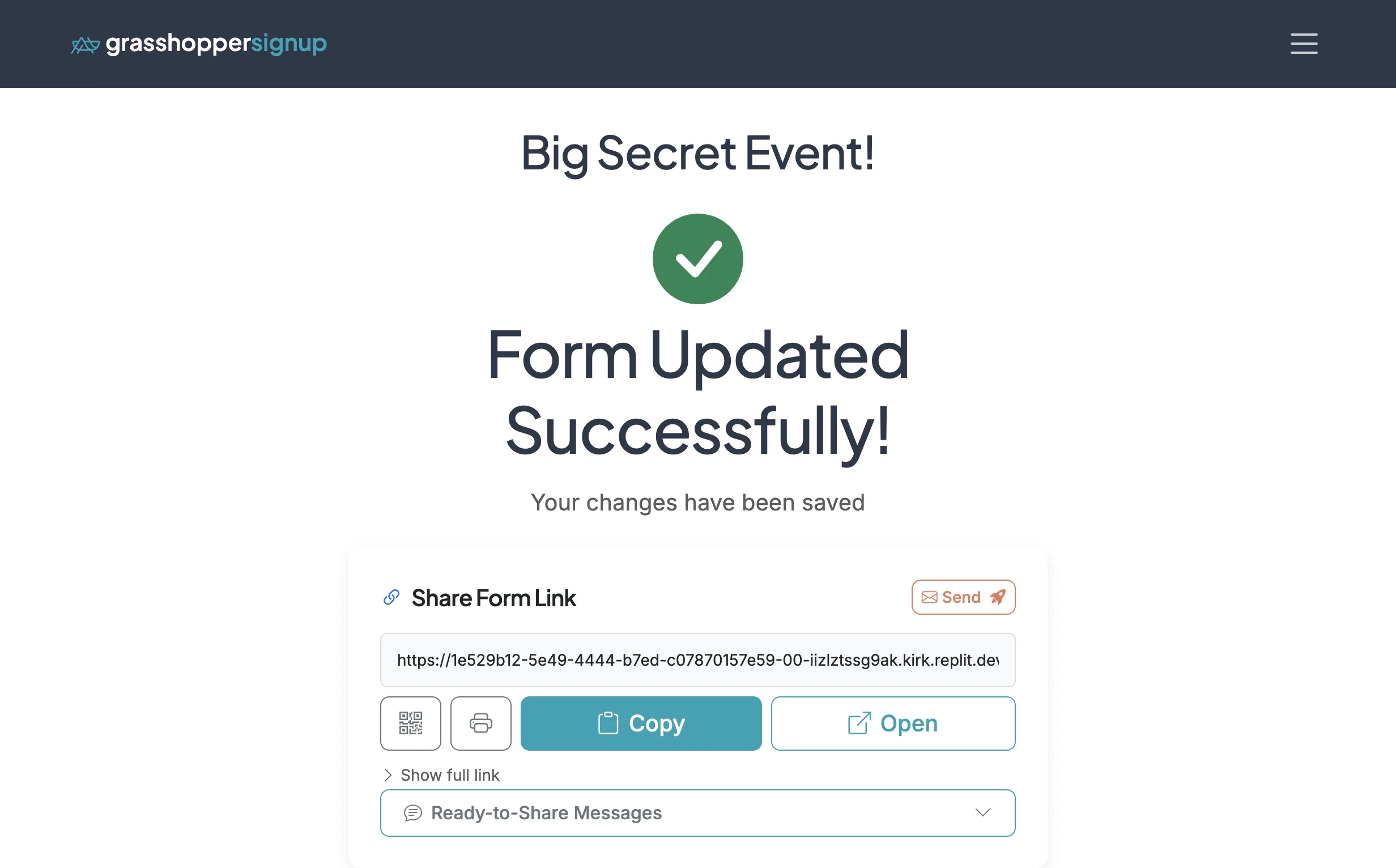
Start on the Form Options page for your form.
Step 2
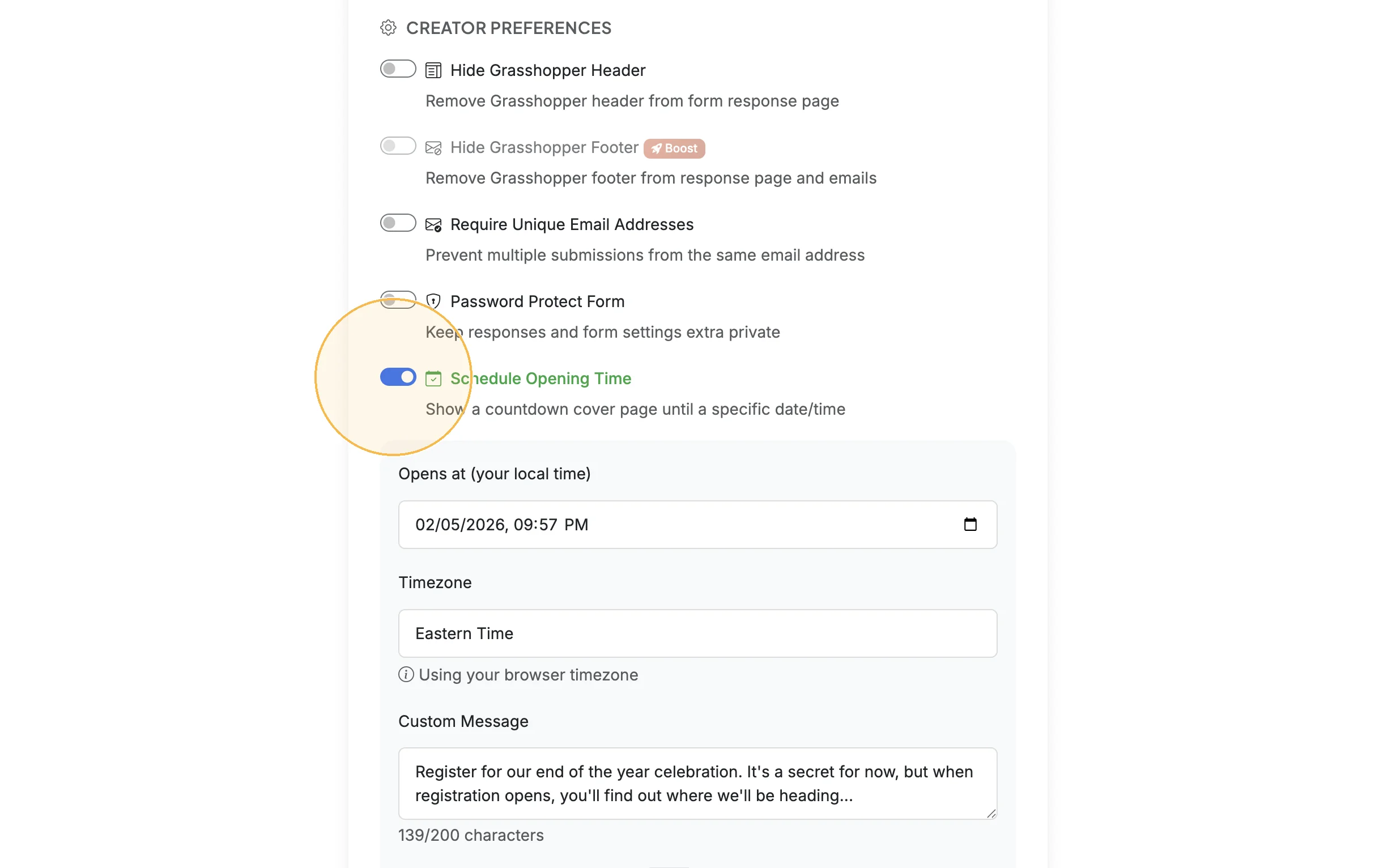
Scroll down to CREATOR PREFERENCES and enable the 'Schedule Opening Time' option.
Step 3
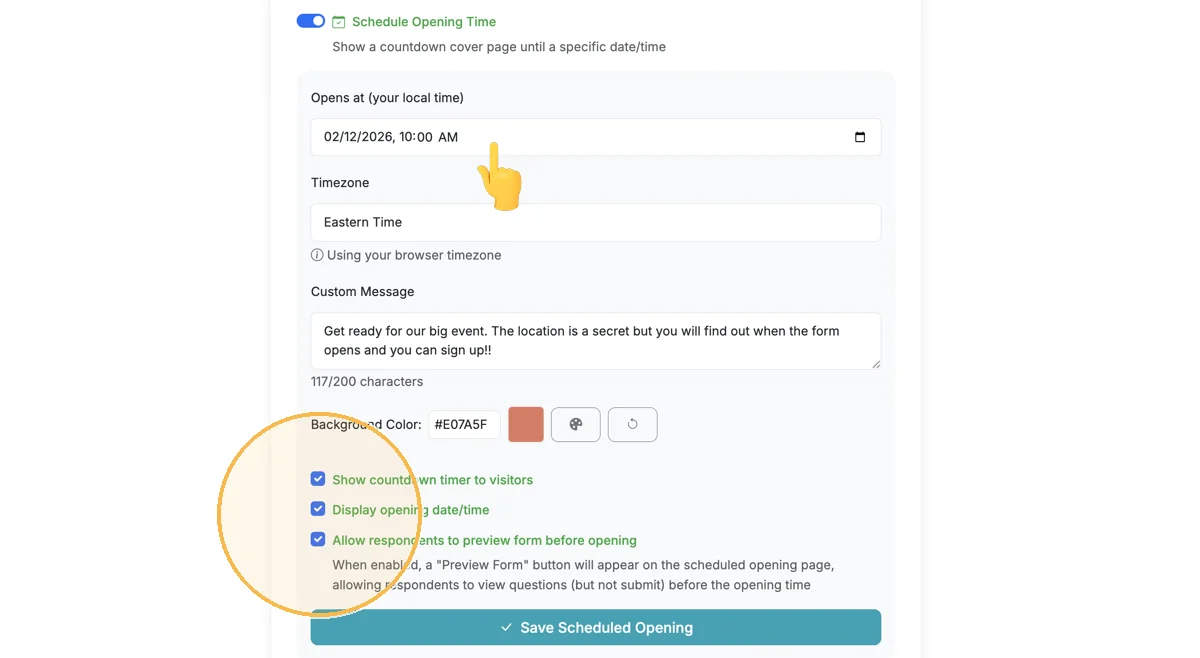
Configure your settings by settings your date/time, adding a custom message, and adjusting any color or display preferences. Save your settings.
Step 4
Before a scheduled open, form viewers/respondents will see an information page.

Total Steps: 4
Steps generated by StepHopper, a product of Grasshopper Signup - Create interactive step-by-step guides