Require Unique Emails
Learn how to prevent users from submitting multiple responses using the same email address.
You can prevent users from submitting multiple responses using the same email. This is a creator setting in Form Options. Enabling this setting can create problems if you want to allow users to submit multiple responses or plan to use the form in an ongoing manner to collect more responses over time as options are added or made visible. If respondents need to change their response, they can use the edit link in their confirmation email to update it without being blocked by the unique-email check (only their own existing response is excluded from the check; if they try to change their email to one that another respondent has already used, the submission is still blocked). If they prefer to start over, they can delete their response and resubmit (deleted responses do not block submitting a form again for a given email address).
Step 1
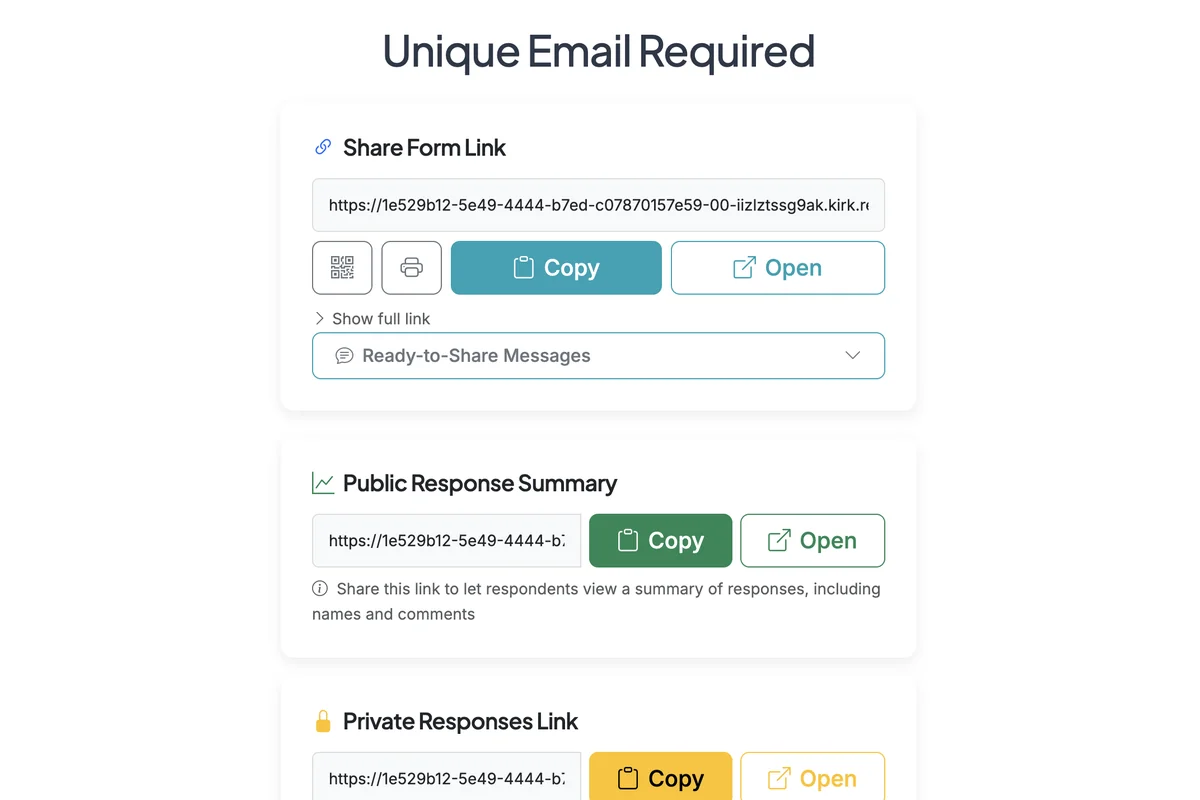
Start on the Form Options page.
Step 2
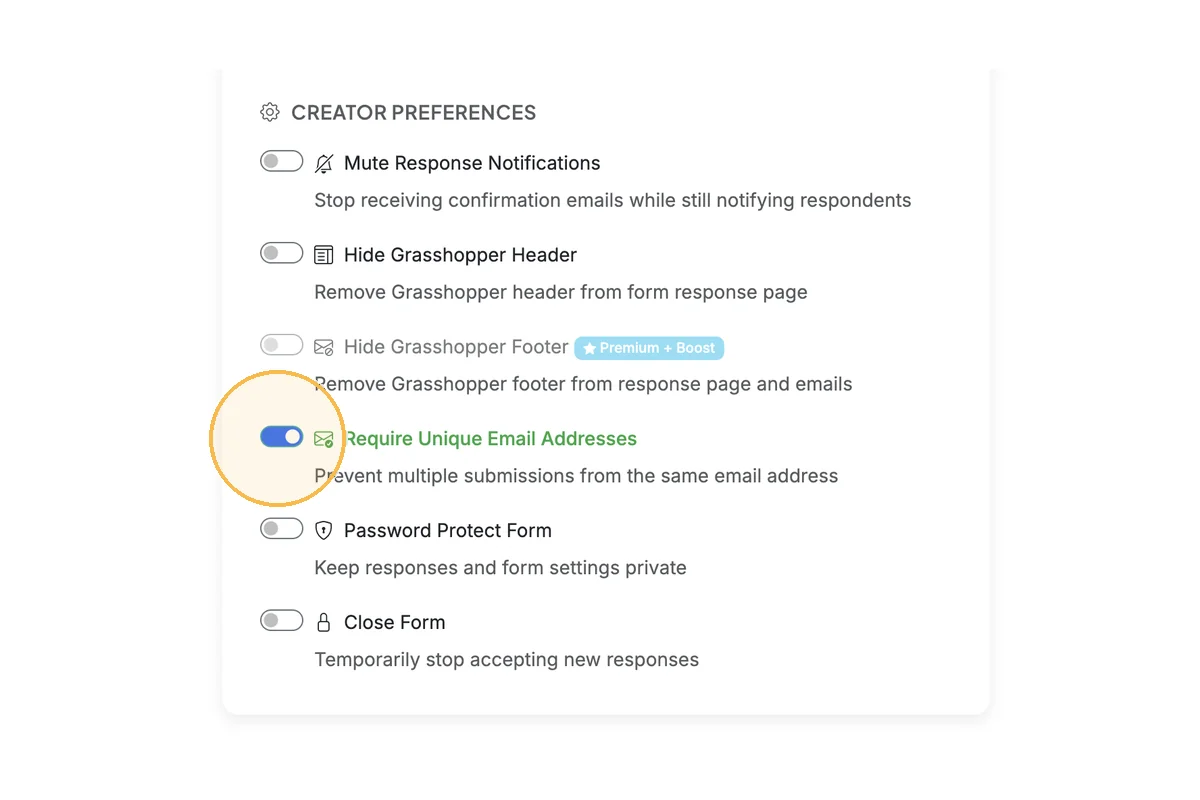
Scroll down to the Creator Preferences section in Form Settings. Enable the 'Require Unique Email Addresses' toggle.
Total Steps: 2
Steps generated by StepHopper, a product of Grasshopper Signup - Create interactive step-by-step guides