How to Delete a Form
Complete step-by-step guide to logging into Grasshopper and permanently deleting a signup form.
This guide will walk you through the process of logging into the Grasshopper platform and successfully deleting a specific form, ensuring you understand each step to manage your forms effectively.
Step 1
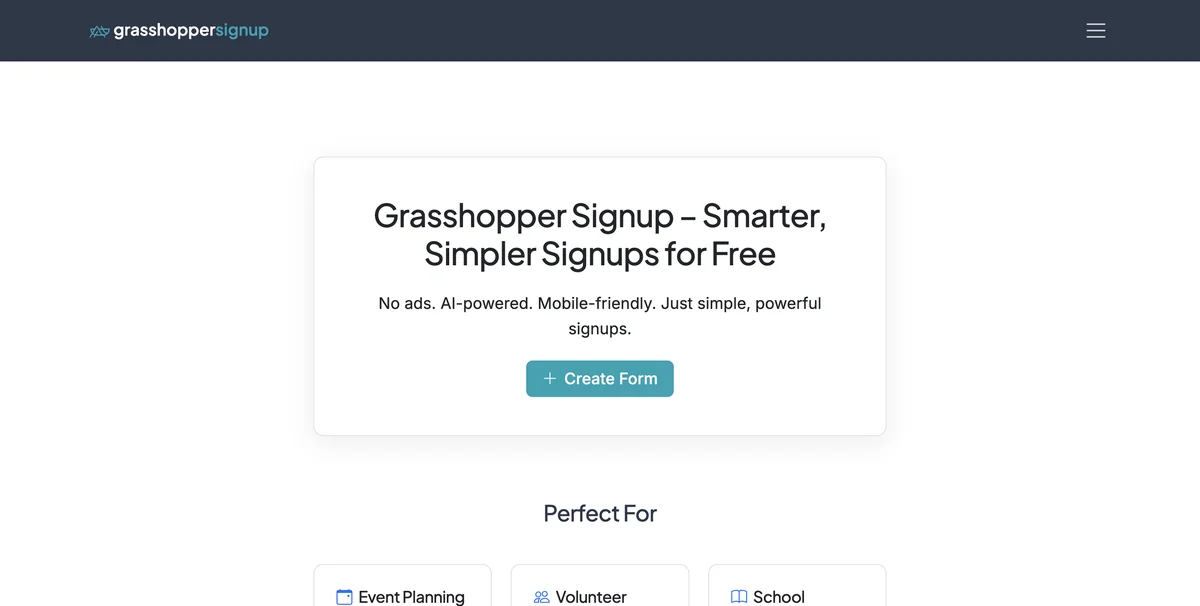
Go to grasshoppersignup.com
Step 2
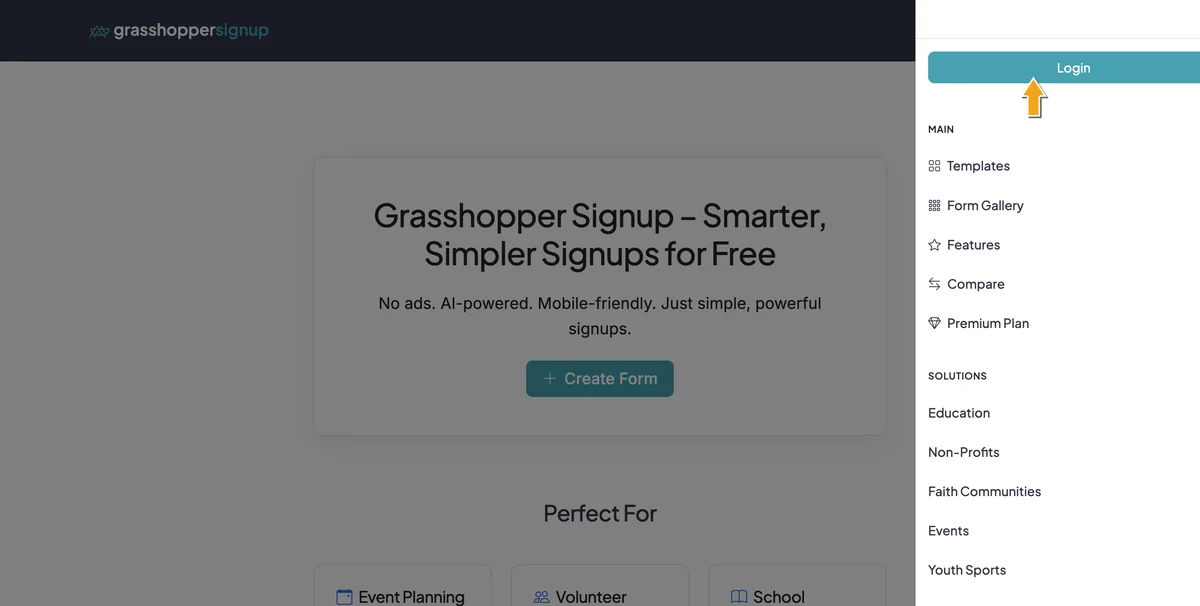
Click the hamburger on the right and select Login
Step 3
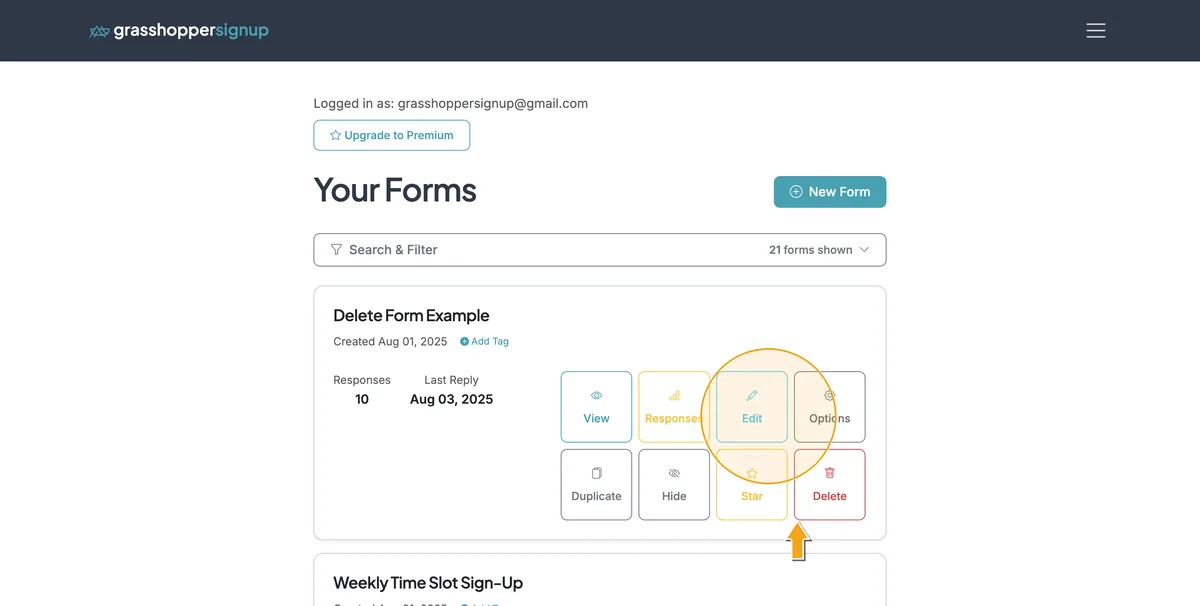
After you login and land on your Dashboard, find your form and select Delete
Step 4
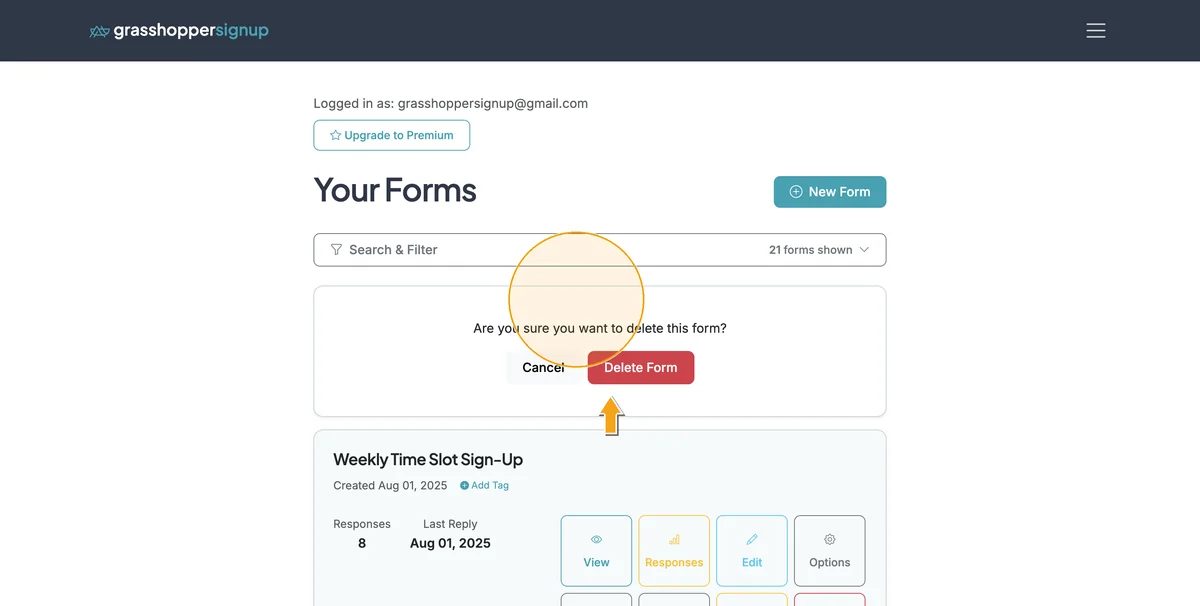
Confirm the deletion
Total Steps: 4
Steps generated by StepHopper - Create interactive step-by-step guides