Set a Decline Option to Remove Calendar Reminder Links
Use the "Mark as decline option" setting to provide a simplified Thank You page, Submission Summary, and Response Confirmation email that does not include calendar reminder setup links — ideal for options like "No, I will not attend".
You can use the Mark as decline option setting to provide a simplified Thank You page, Submission Summary, and Response Confirmation email that does NOT include a calendar reminder setup link for options in your form. This is helpful for event forms where one or more options are things like "No, I will not attend".
Step 1
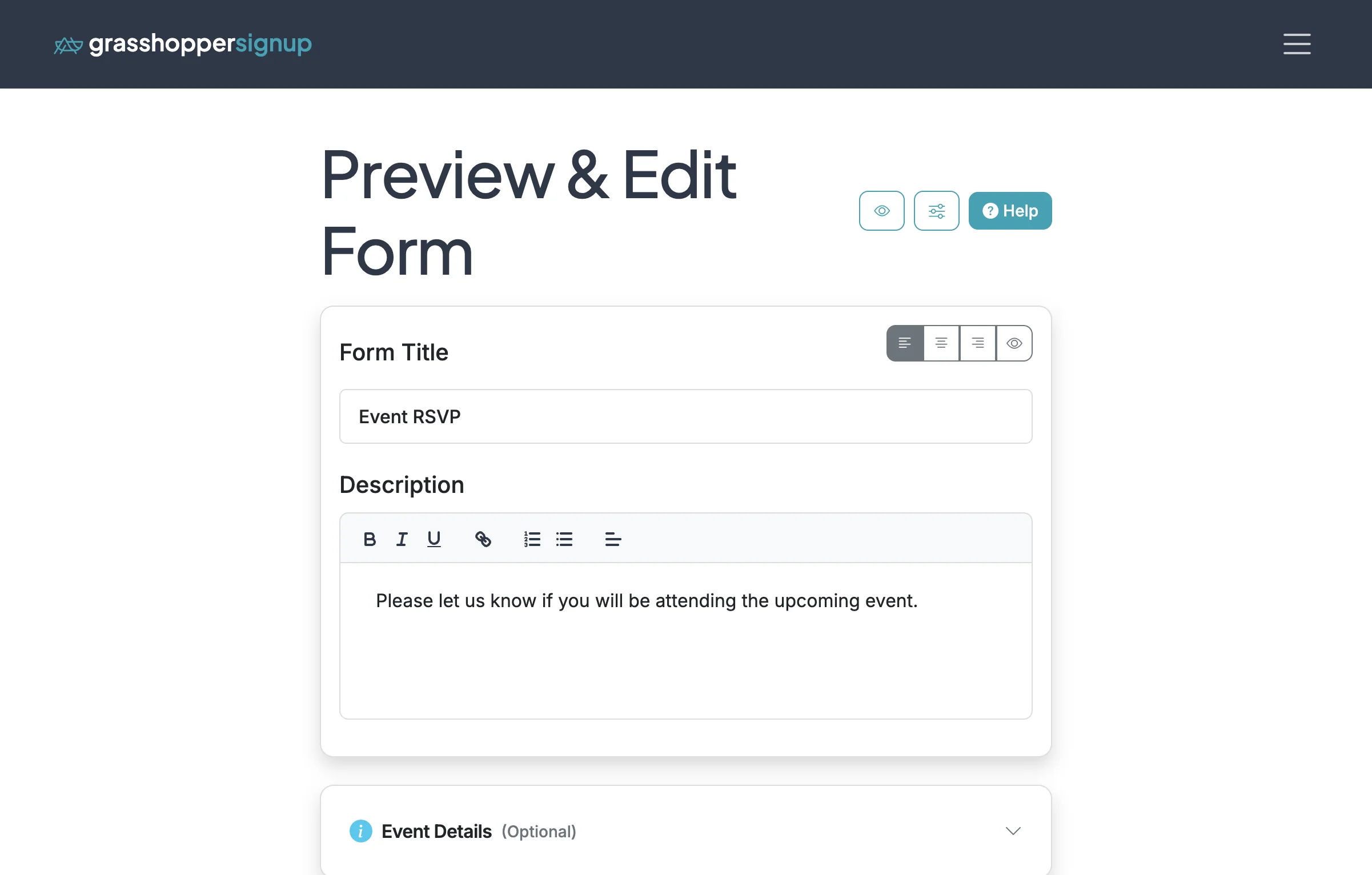
Start on the Edit page of your form.
Step 2
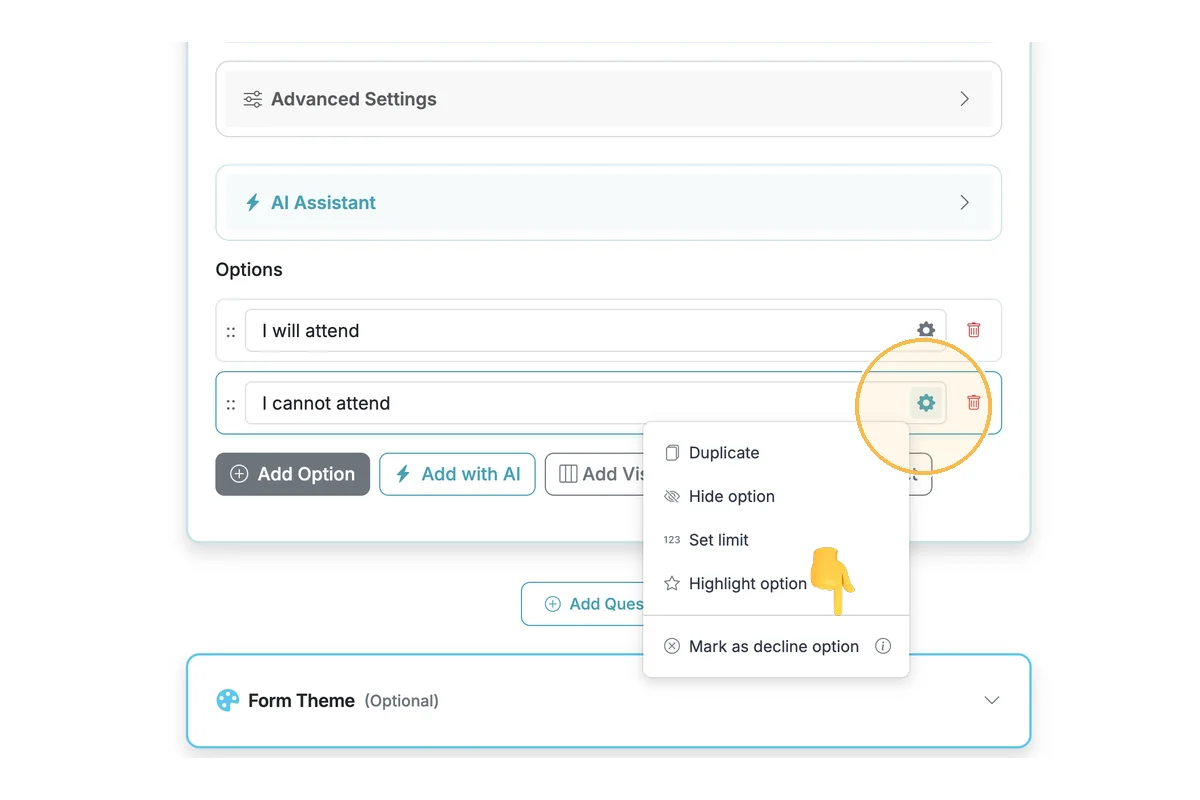
Scroll down to the Signup Options and select the option gear setting for the option you want to mark as a decline option.
Step 3
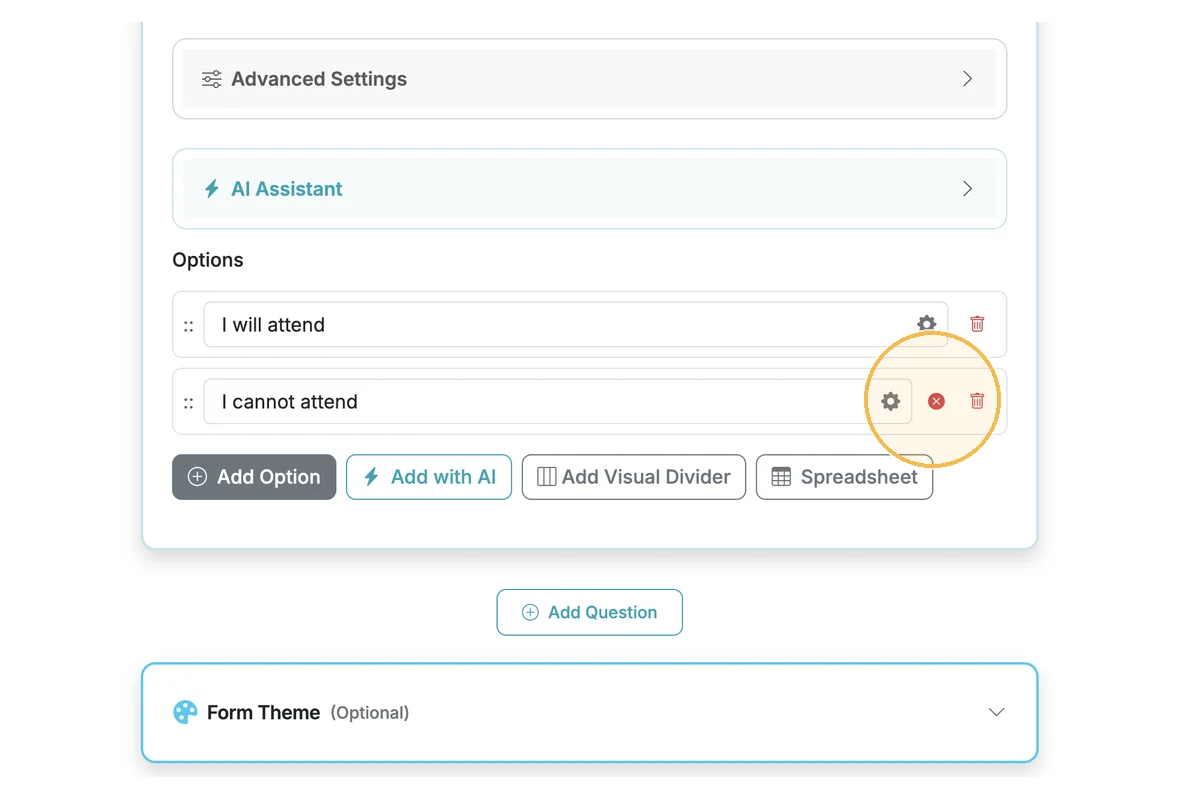
A red X icon will appear on the option to indicate that respondents who select it will not see calendar invite setup links.
Step 4
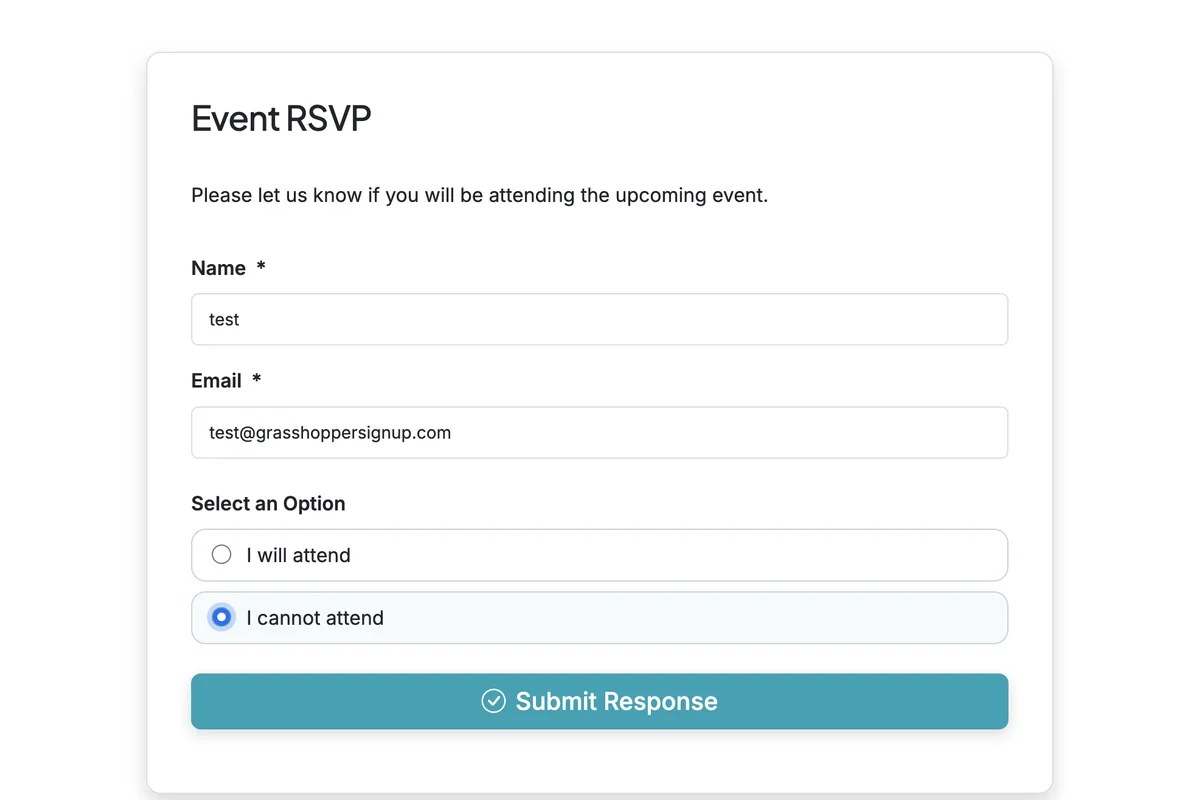
When respondents select an option flagged as a decline option, they will not see calendar setup links on the Thank You page, Submission Summary, or in their email confirmation.
Step 5
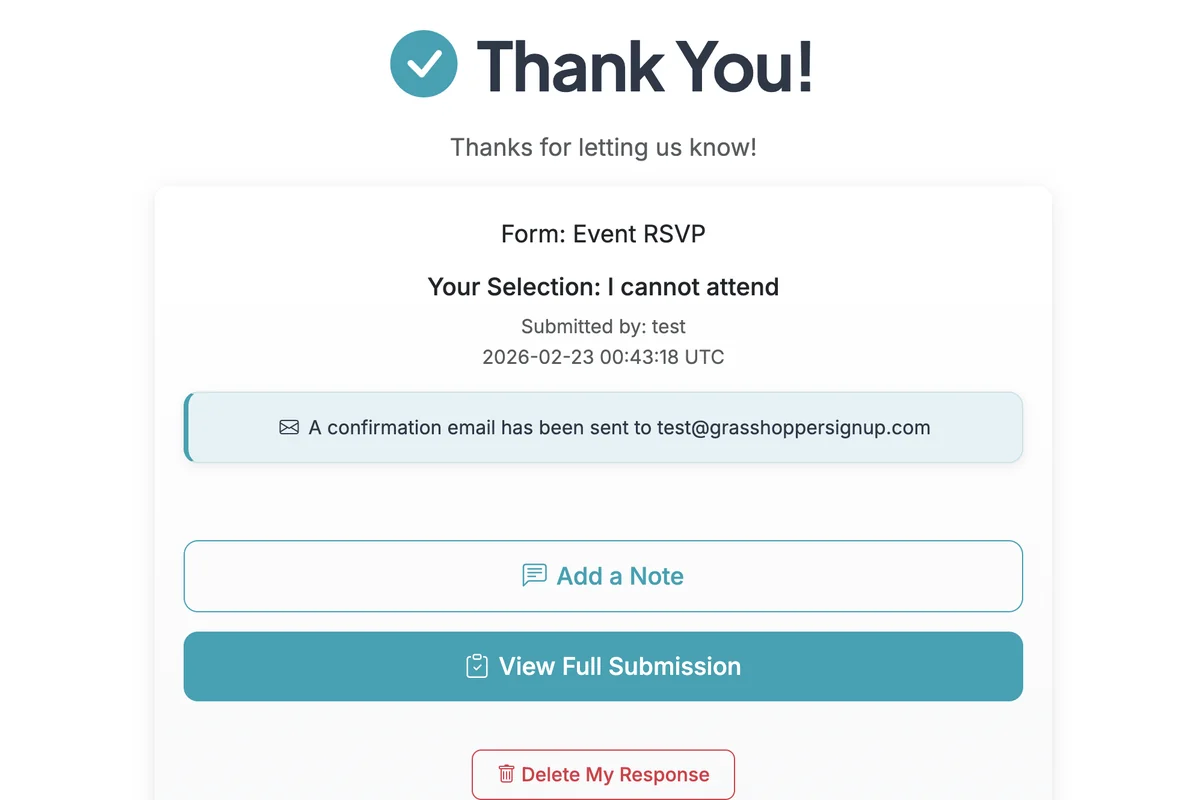
The Thank You page does not include a reminder setup link.
Step 6
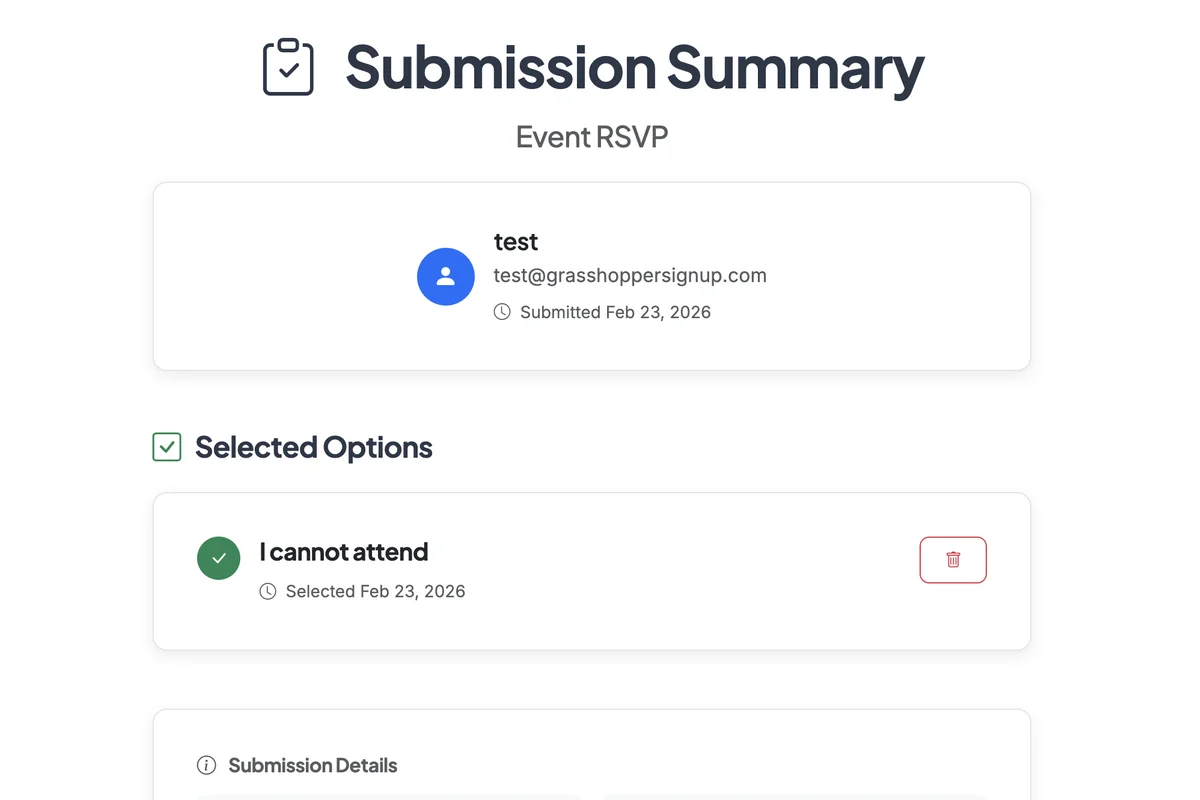
The Submission Summary does not include a reminder setup link.
Total Steps: 6
Steps generated by StepHopper, a product of Grasshopper Signup - Create interactive step-by-step guides