Add Options with AI
Learn how to use AI to add additional options to your existing forms by describing what you want to add.
This guide walks you how to add AI-generated options when editing your form.
Step 1
Visit the Edit page for your form.
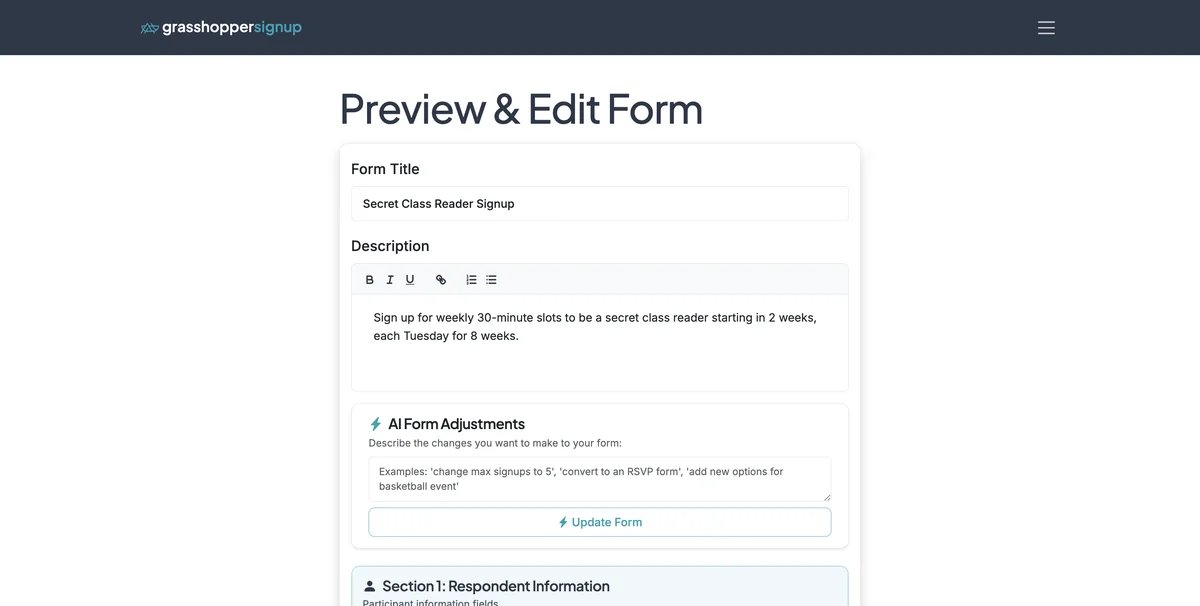
Step 2
Scroll to your main form Options.

Step 3
Note: In the prior screenshot, our options end at Nov 11, 2025. In the following steps we will ask AI to add the next 3 dates in the sequence.
Step 4
Click 'Add with AI'.

Step 5
You will see a modal to describe the option(s) you want to add.

Step 6
Type in a description of the options you want to add. Then click 'Generate Options'.

Step 7
Review the suggestion options and make any desired modifications. Then select 'Add These Options'.

Step 8
The additional options will then be added to your form.

Benefits of using AI to add options:
- Smart pattern recognition: AI understands sequences and patterns in your existing options
- Time-saving: Quickly generate multiple related options without manual typing
- Consistent formatting: Maintains the same style and format as your existing options
- Flexible descriptions: Describe what you want in natural language
Total Steps: 8
Steps generated by StepHopper - Create interactive step-by-step guides